Ein frisches Wort bei jedem Blick.
Das moderne Wort-des-Tages-Widget, das sich perfekt in deinen Alltag einfügt.
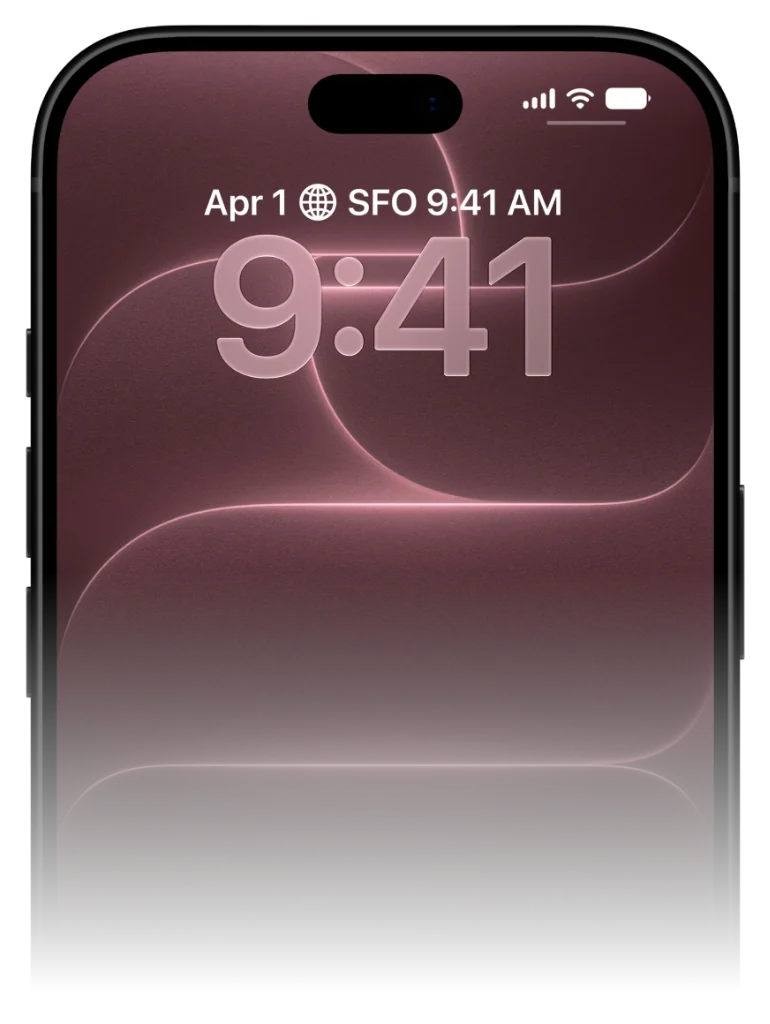
Vergiss Push-Nachrichten, die man sowieso wegwischt. VocabPin hält das Wort des Tages dauerhaft im Blickfeld, damit es wirklich hängenbleibt.
So funktioniert VocabPin.
Keine 30-minütigen Pauk-Sessions. Keine abgebrochenen Streaks. Einfach natürliche Sprachbegegnung dort, wo dein Blick ohnehin landet.
Sprachpaar & Niveau wählen
Lerne zwischen 17 Sprachen in jeder Richtung. Wähle dein genaues GeR-Niveau von A1 Anfänger bis B2/C1, JLPT oder HSK.
Echte muttersprachliche Aussprache
24-kHz-Studioaufnahmen von echten Muttersprachlern. Tippe auf ein Wort, um natürliche Betonung und Klangfarbe zu hören.
Pinnen & mit jedem Blick lernen
Platziere elegante Widgets auf dem Sperr- oder Startbildschirm. Mehr als 80 Blicke pro Tag festigen Wörter dauerhaft im Gedächtnis.
Sprachpaar & Niveau wählen
Lerne zwischen 17 Sprachen in jeder Richtung. Wähle dein genaues GeR-Niveau von A1 Anfänger bis B2/C1, JLPT oder HSK.
Why traditional Word of the Day notifications fail
The notification trap and how ambient widgets solve it.
Traditional apps rely on push notifications. At 9:00 AM, your phone pings you with a word. But you're in a meeting, driving, or making breakfast. You swipe the banner away to clear your screen, promising yourself you'll look later. You never do.
VocabPin replaces intrusive notifications with ambient persistence. By placing the word of the day inside a native iOS widget, the word stays visibly present throughout your entire day.
Every glance at your clock or calendar naturally exposes your retina and subconscious mind to the word, creating between 60 to 100 effortless passive exposures every day.
The average iPhone user checks their screen over 80 times a day. VocabPin turns every single glance into a subconscious vocabulary rehearsal.
Configured for your exact CEFR or test level
Never too easy. Never overwhelmingly difficult.
A major frustration with generic Word of the Day apps is seeing words you already know, or seeing bizarre archaic terms you will never speak in real life.
With VocabPin, you select your exact level—from CEFR A1 (Beginner) up to C2 (Mastery), or standardized tests like JLPT (N5–N1) and HSK (1–6). Every daily word is calibrated to your current edge of comprehension.
Lock Screen and Home Screen in sync
Accessory Rectangular and System Medium widgets working in harmony.
Set an Accessory Rectangular widget on your Lock Screen for a quick, glanceable monochrome reminder.
Add a System Medium card on your Home Screen when you want richer typography, grammatical gender indicators, and full sentence context.
In unter 30 Sekunden auf dem iPhone eingerichtet
Funktioniert nativ unter iOS 17 bis iOS 27 ohne komplizierte Einrichtung.
Bildschirm gedrückt halten
Halte den Sperrbildschirm oder Home-Bildschirm gedrückt, bis „Anpassen“ oder der Bearbeitungsmodus erscheint.
VocabPin auswählen
Tippe auf den Widget-Bereich unter der Uhr oder auf das „+“ oben links und wähle VocabPin.
Sprache & Niveau wählen
Wähle deine Zielsprache und das Wechselintervall und tippe auf „Fertig“.
Unterstützte Sprachen für dieses Widget
Jede Sprache bietet authentische Apple-Typografie, muttersprachliches Audio und GEFR/JLPT/HSK-Stufen.
Häufig gestellte Fragen
Vertiefende Ratgeber & Wissenschaft
How to Set Up a Word of the Day Widget on iPhone
Everything you need to turn your iPhone into an ambient daily vocabulary builder. Learn how to pick the right CEFR level, configure refresh intervals, and pair with audio.
How Often Do iPhone Widgets Update? iOS Timeline Explained
Ever wondered why some iOS widgets freeze while others update smoothly? Dive into Apple's WidgetKit architecture, timeline budgets, and how VocabPin ensures reliable offline rotation.
Vokabeln passiv lernen: Die Wissenschaft der allgegenwärtigen Exposition
Kognitive Psychologie hinter passivem Lernen: Warum 80 Mikrokontakte auf dem iPhone besser wirken als 30 Minuten Vokabelpauken.